
Your ads bring people to your website. The click count rises, the budget goes down, and the sales inbox stays quiet. It is a frustrating place to be, especially when the ads seem to attract attention.
Ads can get clicks without conversions because they reach the wrong people, promise something the page does not deliver, or send visitors into a difficult buying process. Sometimes customers do take action, but your tracking misses it.
The answer is not always a bigger budget or a new ad. Start by finding where the journey breaks. This guide walks through the checks in a useful order, from confirming the numbers to improving the page and following up with leads.
What counts as a conversion?
A conversion is an action that matters to your business. For an online store, that usually means a completed order. For a service business, it might mean a quote request, a booked meeting or a useful phone call.
A click only tells you someone interacted with your ad. It does not prove that they became a customer. Even a form submission is not the same as a sale.
Choose the result you want before judging the campaign. Keep useful steps, such as viewing a product, separate from the main goal. Otherwise, a busy report can hide an empty sales pipeline.
First, check whether the problem is real
Compare your ad report with your order records, booking system and enquiry inbox for the same period. Ask your team whether phone calls or messages arrived. Check spam folders too.
If your store shows paid orders but the ad report shows zero, investigate tracking before changing your offer. If both records show no activity, inspect the customer journey. When leads arrive but nobody buys, review lead quality and the sales process.
These are different problems. A new headline will not repair a broken tag, and a working tag will not make an unclear offer more useful.
1. Your conversion tracking may miss the result
Conversion tracking connects customer actions to your ad reporting. A missing tag, a changed form or a new checkout page can interrupt that connection.
Complete a test enquiry or a test purchase through a safe test process. Confirm that the website accepts it, your team receives it and the right event fires. Mark test records clearly so they do not confuse your sales totals.
Google recommends using Tag Assistant in its conversion tracking troubleshooting guide. Use it to inspect the event rather than assuming a thank you message proves tracking works.
Check mobile forms, payment redirects and booking tools on other domains. Review your consent setup with the person who manages tracking. Respect visitor choices. Never bypass privacy controls just to make the report look better.
Also check for duplicate events. A purchase should not appear again simply because someone refreshes a confirmation page. Clean numbers help you make better decisions.
2. The campaign may chase the wrong goal
A campaign built around getting traffic does not have the same focus as one built around useful leads or purchases. Make sure the campaign goal matches the business result you actually want.
In Google Ads, primary and secondary conversion actions have different roles. Primary actions normally guide bidding when the campaign uses their goal. Secondary actions normally help with observation. Custom goals can change this behaviour, so check the campaign settings too.
Do not treat a page view as equal to a paid order. Keep smaller actions visible for learning, but choose meaningful outcomes for the campaign. Fix tracking before asking the system to find more people who complete that outcome.
3. The clicks may come from the wrong people
Someone searching for free logo software is not necessarily looking to hire a designer. Both people may click a logo related ad, but they want different things.
For search campaigns, review the words people actually searched, not only the keywords you selected. The Google Ads search terms report helps with this check, although it does not display every query.
Look for searches about jobs, training, free downloads or products you do not sell. Add suitable negative keywords, which tell the platform when you do not want your search ad to appear. Review them carefully so you do not block useful searches.
Check locations, languages and audience settings as well. A local service may waste clicks outside its service area. For social ads, review the message and audience together. Curiosity can attract clicks without buying interest.
4. Your landing page may break the promise
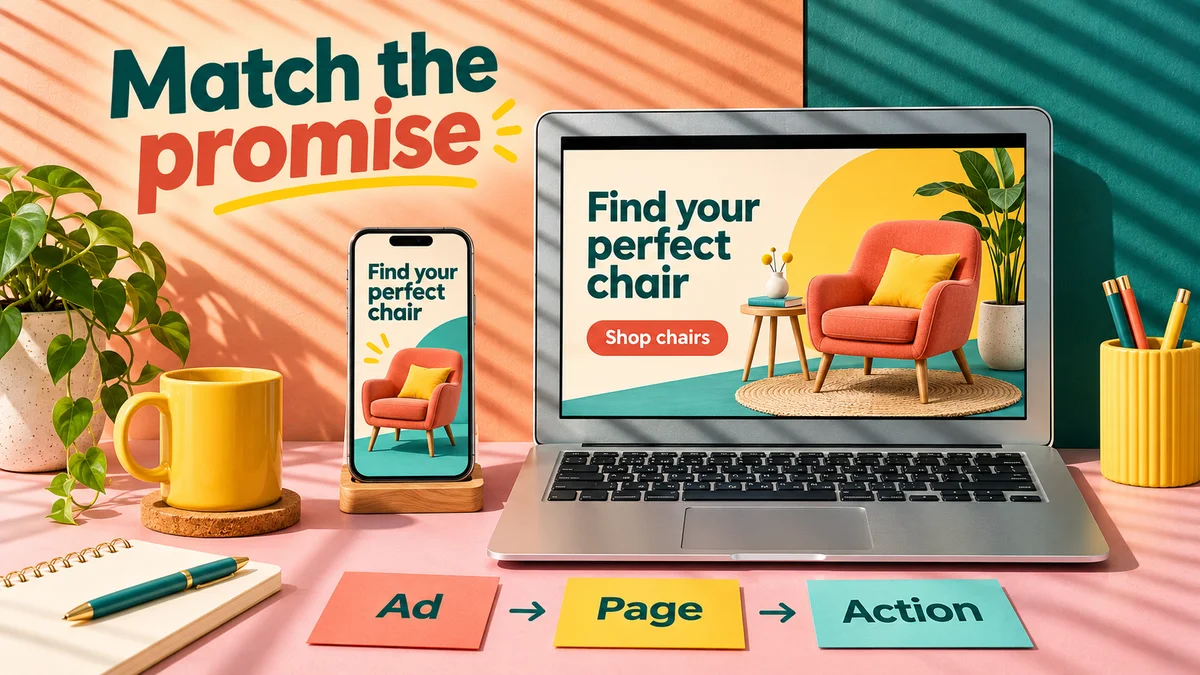
Your landing page is the page visitors reach after clicking. It should continue the same conversation as the ad.
Imagine an ad promises office chairs with clear delivery times. The click opens a general furniture homepage. Now the visitor must find the chairs, check delivery and work out whether the offer still applies. Each extra task creates a reason to leave.
Send the visitor to the relevant product, service or offer. Repeat the main promise near the top, explain who it helps and show the next step. Keep prices and offer terms consistent.
Our landing page design service focuses on creating a clear route from the ad to the action. A focused page does not need to be short. It needs to answer the questions that stand between interest and a decision.
5. Mobile visitors may struggle to use the page
Open the exact landing page on your phone using a normal mobile connection. Do not test only on a fast office computer.
Can you read the heading without zooming? Does a popup cover the form? Does the page move just as you tap a button? Can you choose a product option and reach payment?
Large images, heavy video and extra scripts can make visitors wait. Reduce unnecessary weight, give images sensible sizes and keep the main action easy to reach. Test the full journey again after each change.
A speed score can help you find technical issues, but it does not measure whether people understand the offer. A fast page with confusing copy can still lose customers.
6. The offer may leave too many questions
People need a reason to choose you, not just a reason to click. A bright image or a clever line may create interest without explaining the value.
State what the customer receives, who the offer suits and what happens next. Explain costs where you can. If you need to prepare a quote, explain what affects the price and what information you need.
For products, show sizes, useful photos, delivery details and return terms. For services, describe the scope and expected process. Avoid claims such as best results or guaranteed growth unless you can support them.
Before lowering your price, ask whether people understand what they get. Clear value can matter more than a larger discount.
7. People may not trust the page yet
A visitor who has never heard of your business needs evidence. Show real work, accurate contact details and reviews you have permission to use.
Use examples that match the service in the ad. A person looking for store development will learn more from a relevant store project than from a wall of unrelated logos.
Explain who will handle the enquiry and what happens after the form. Keep your business details and policies easy to find. Do not invent reviews, display false countdowns or use stock photos as if they show your own team.
Trust grows when the page makes the decision easier to understand, not when it piles on badges.
8. Forms or checkout may stop ready buyers
Someone can want your service and still abandon a long form. Ask for the details you need for the next useful step, not every detail you might need later.
Use clear field labels and helpful error messages. Keep entered information when a visitor needs to correct one field. Check that the submit button works and that the message reaches the right inbox.
For a store, check payment errors, delivery limits and unexpected fees. Show important charges before the final step. Offer guest checkout where it fits your store and fraud controls.
Our conversion improvement service looks at these points of friction. The goal is not to pressure visitors. It is to remove avoidable problems for people who already want to act.
9. You may judge the campaign too early
Not every customer buys during the first visit. Some compare options, speak with a colleague or wait until they need the service.
Google explains that conversion delay can make recent results look weaker than older results. Reporting can also take time to update.
Compare similar periods and allow for your usual buying cycle. There is no single number of clicks that proves every campaign works or fails. A few visits tell you very little, especially for an expensive service.
Set a clear spending limit while you learn. Do not keep funding broken tracking or a failed checkout just because a campaign needs time. Fix known problems immediately, then collect enough useful data to judge the next change.
10. Leads may get lost after the form
If the ads produce enquiries but no customers, the issue may sit beyond the website. Check how quickly your team responds, whether messages reach the right person and whether replies answer the question.
Keep a simple record of each lead, its source, the response and the outcome. Separate wrong numbers and spam from genuine enquiries. Note why suitable people decide not to buy.
A click on a phone or chat button does not prove a conversation happened. Track useful calls, booked meetings and sales where your setup allows it. Handle customer details with care and use approved tracking methods.
A practical order for fixing the problem
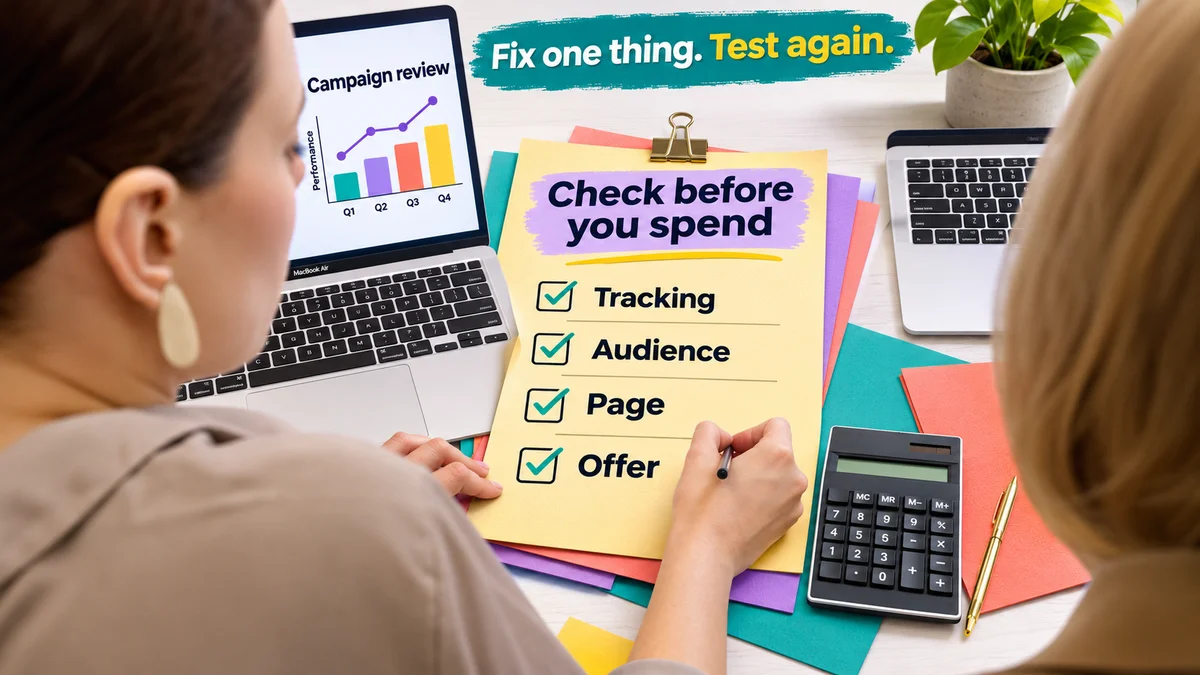
Work through the checks below instead of changing the whole campaign at once. Keep a short note of what you changed and when.
- Choose one main result, such as a useful enquiry or paid order.
- Compare ad reports with real business records and test tracking.
- Open the ad destination on mobile and complete the full journey.
- Review search terms, locations and audience settings for clear waste.
- Match the ad promise, page heading, offer and main button.
- Remove a proven form, payment or delivery problem.
- Test one planned improvement and review results after a suitable period.
For example, test a clearer heading while keeping the offer and audience steady. Compare useful leads or sales, not just button clicks. If traffic is low, avoid splitting it across too many versions. You may need more time to see a meaningful difference.
Which numbers should you watch?
Keep clicks, landing page visits, useful enquiries and sales separate. These numbers describe different steps, and they will not always match exactly.
For a simple website report, divide completed conversions by visits and multiply by 100. Label that as a visit based conversion rate. Ad platforms can use a different base, such as eligible ad interactions, so compare like with like.
Watch cost per useful lead and cost per sale as well. Cheap clicks can become expensive if nobody buys. Revenue also differs from profit, so include the cost of delivering what you sell when judging whether ads make business sense.
Fix the missing step before buying more clicks
Clicks without conversions are a signal to investigate, not proof that paid ads cannot work for you. Start with accurate tracking, then check the audience, promise, page and buying process.
If you want help finding the gap, explore PictureArc Google Ads management and tell us about your campaign. Share the result you want, the page your ads use and what you have already checked. Never send passwords or private customer records through a public form.
Frequently asked questions
Why do I get lots of clicks but no sales?
The people clicking may not want to buy, the page may not match the ad, or checkout may create problems. Tracking can also miss real sales. Compare ad reports with orders first, then test the journey and review who the campaign reaches.
How many clicks should I get before a conversion?
There is no fixed number for every business. Price, audience, offer and buying time all affect the result. Use your own past data where possible, set a spending limit and fix clear technical problems before collecting more clicks.
Should I increase my budget when ads do not convert?
Not as the first step. More spending can repeat the same problem. Check tracking, traffic quality and the buying process first. Increase spending only when you have a clear reason and can measure whether the extra spend brings useful results.
Can a good click rate hide a poor campaign?
Yes. A strong click rate shows that people respond to the ad, not that they become customers. Judge it alongside useful leads, completed sales and their cost. An interesting ad can attract people who have no need for your offer.
Why do my ad report and website sales numbers differ?
Reports can use different dates, credit rules and time zones. Consent choices and missing events can also affect measurement. Some orders may come from other channels. Check the settings and records before deciding that one total should equal the other.
Should I send paid traffic to my homepage?
Only when the homepage closely matches the ad and makes the next step clear. A specific service or product ad usually needs a more focused destination. Send visitors where they can find the promised information without searching the whole website.
What should I check first if conversions suddenly stop?
Check for recent website, payment, form or tracking changes. Test the main action and compare the report with actual enquiries or orders. Then review campaign changes, traffic sources and reporting delay. Avoid changing several unrelated settings before finding evidence.