Let’s talk
AI & Automation / IN MOTION

Automate the repetition. Keep the judgement.

Not every task needs AI, and not every decision should be automated. We identify where rules, integrations or assisted drafting can help, with human review wherever the risk calls for it.

Interface preview
● ● ●WORKSPACE↗
WORKFLOW / AI & Automation

Less repetition.
More intention.

↙Enquiry received✓
✓Check required details✓
◎Human approval○
↗Prepare the handover○
01 / AI & Automation

Follow the work from trigger to handover

A visual look at the decisions behind the experience.

● ● ●CONNECTED VIEW↗
REVIEW QUEUEApproved

People stay in control.

NEW ENQUIRY

We need a better way to organise incoming project requests.

PREPARED SUMMARY

Interest: Connected automation
Next step: confirm scope with the team.

✓ Approved for handover
02 / AI & Automation

A review queue that keeps people in control

See how the details connect to the wider workflow.

Workflow Automation

AI Integrations

Chatbots

Connected Systems

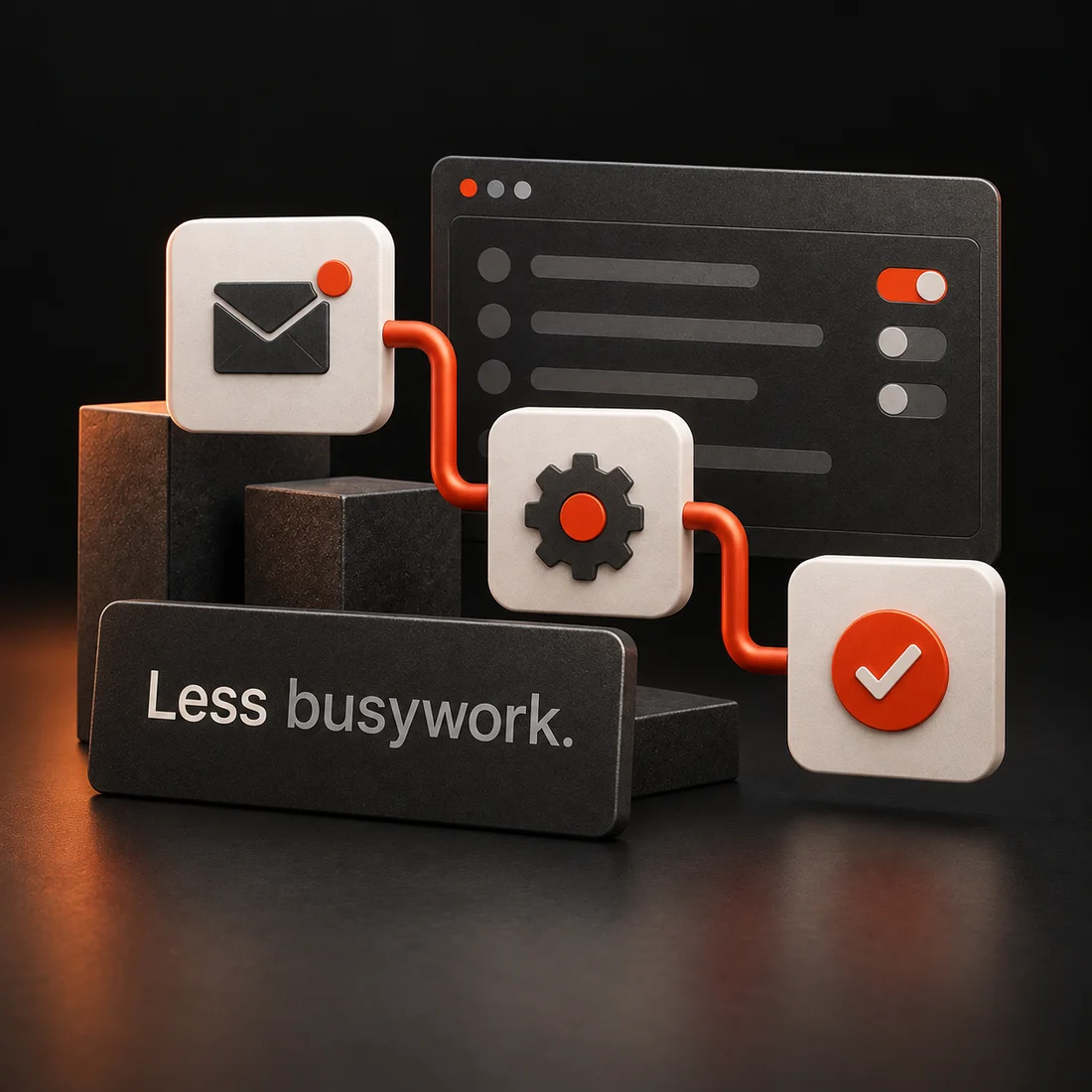
Connected workflow tiles with an inbox, processing step and approval check
Our strategy

Choose a useful workflow, not technology for its own sake

Begin with a process worth improving. We identify repeated steps, system constraints and approval points, then use a focused pilot to test the approach.

Practical Use Cases

Focus on repeatable tasks with a clear purpose, such as routing enquiries or preparing routine reports.

Human Oversight

Define access boundaries, checks and escalation paths instead of assuming every output is correct.
AI & Automation / THE WORKFLOW

A clear route.
A considered result.

  1. 01Workflow map
  2. 02Connected automation
  3. 03Exception handling

Sensitive actions require the agreed approval. Failure and retry paths do not create duplicate actions.

BUILT AROUND YOUR BUSINESS

Connect your tools with a controlled, clear workflow

Projects can connect AI services, automate data transfers or handle scoped chatbot conversations. We review information access, provider terms and usage costs first. AI output can be inaccurate, so validation and human oversight remain important.

How we work

Your next step, with
a clear process

Step 01

Map the Workflow

Identify repetitive steps, required data, existing systems and the intended benefit.
Step 02

Plan the Controls

Agree access, validation, human review points and provider requirements.
Step 03

Build a Pilot

Implement a focused version and test representative cases and failure paths.
Step 04

Refine & Handover

Review the pilot, document the workflow and agree monitoring and ongoing ownership.
WHAT THE WORK LEAVES YOU WITH

Useful outputs. Not just activity.

Not every task needs AI, and not every decision should be automated. We identify where rules, integrations or assisted drafting can help, with human review wherever the risk calls for it.

01

Workflow map

A clear trigger, inputs, decisions and destinations, including where a person must approve the next step.

02

Connected automation

The agreed rules and integrations with controlled access to the systems they use.

03

Exception handling

Routes for missing information, failed actions and items that should wait for human review.

04

Operating guide

Instructions for monitoring runs, updating approved rules and handling common exceptions.

Model/API usage, third party subscriptions and hosting costs are identified separately. AI outputs require appropriate validation. Accuracy is not guaranteed.

A GOOD START MAKES A DIFFERENCE

Bring the context.
We’ll help shape the next step.

No perfectly written brief required. A short explanation of what is happening now and what you want to change is enough to start the conversation.

Discuss your project ↗

What we need from you

  • The repetitive task and its current steps
  • Systems involved and the data the workflow may access
  • Examples, approval owners and acceptable failure behaviour

What we check before handover

  • Sensitive actions require the agreed approval
  • Failure and retry paths do not create duplicate actions
  • Logs avoid unnecessary personal or confidential data
Frequently Asked Questions

Clear Answers, To
Quick Solutions

Common questions about ai & automation, project planning and what is included in an agreed scope.
  • What business tasks can be automated?
    Potential examples include routine data transfer, enquiry routing, reporting and repetitive administrative steps. We review the workflow first to identify which steps are suitable and where human review should remain.
  • We assess the available APIs, permissions, data requirements and provider restrictions. A small pilot can help evaluate whether the integration is useful before committing to a wider rollout.
  • The scope must identify what data is needed, who can access it and which providers will process it. Avoid supplying confidential data during initial enquiries. Access controls and retention requirements should be agreed before implementation.
  • For many uses, yes. AI outputs can be inaccurate or unsuitable, so the workflow should define checks, escalation and who makes final decisions. Automation should not be presented as a guarantee of error free work.
  • Provider subscriptions and usage based charges are separate unless specifically included. We clarify expected usage, account ownership and spending controls during planning, since costs may change with volume.
Get in touch

Something in mind? Let’s make a plan.

A little context goes a long way. All fields marked * are required.

What kind of work? *

We use these details to respond to your enquiry. Privacy Policy