
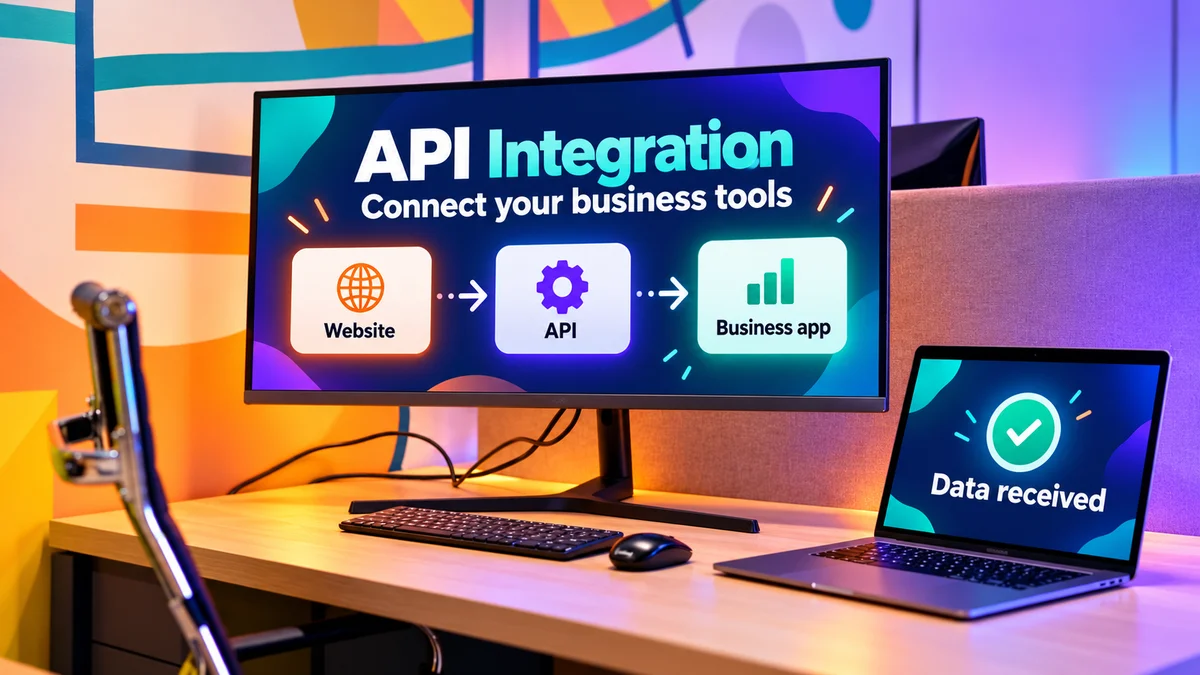
An API integration connects software tools so they can share information or carry out a task without someone copying the same details between screens. For a business owner, that might mean sending website enquiries to a sales team or passing online orders to a delivery service.
Think about the last time your team entered a customer's name twice. Once in a form, again in a spreadsheet, then again in an invoice. Each step takes time and creates another chance to make a mistake. A well planned connection can remove some of that repeat work.
You do not need to learn programming to understand the basics. You do need to know what should move, where it should go and what should happen if something goes wrong. This guide explains those choices in plain language.
What is an API?
API stands for application programming interface. It is a set of rules that lets one piece of software work with another. The MDN explanation of an API describes it as a way for software to interact with a program rather than a person using its screen.
A simple way to picture it is a service desk. You ask for something the desk offers, provide the details it needs and receive an answer. You cannot ask for anything you like. The service decides which requests it supports and who can make them.
An API might let your website check stock, create a customer record or ask for a delivery price. It does not automatically give your website full access to the other company's system.
What does an API integration actually do?
The API is the way in. The integration is the working connection built around it. It decides when to send information, which details to include and what to do with the reply. IBM's API integration overview explains this role in connecting software and business tasks.
For example, your website may collect a new enquiry. The integration checks the form, sends the useful fields to your customer system and records whether that system accepted them. It can then tell the right person to follow up.
Having an API does not mean that every desired connection already exists. Both tools must support the actions you need. The rules between them still need planning, testing and someone responsible for keeping them working.
How a connection works in five simple steps
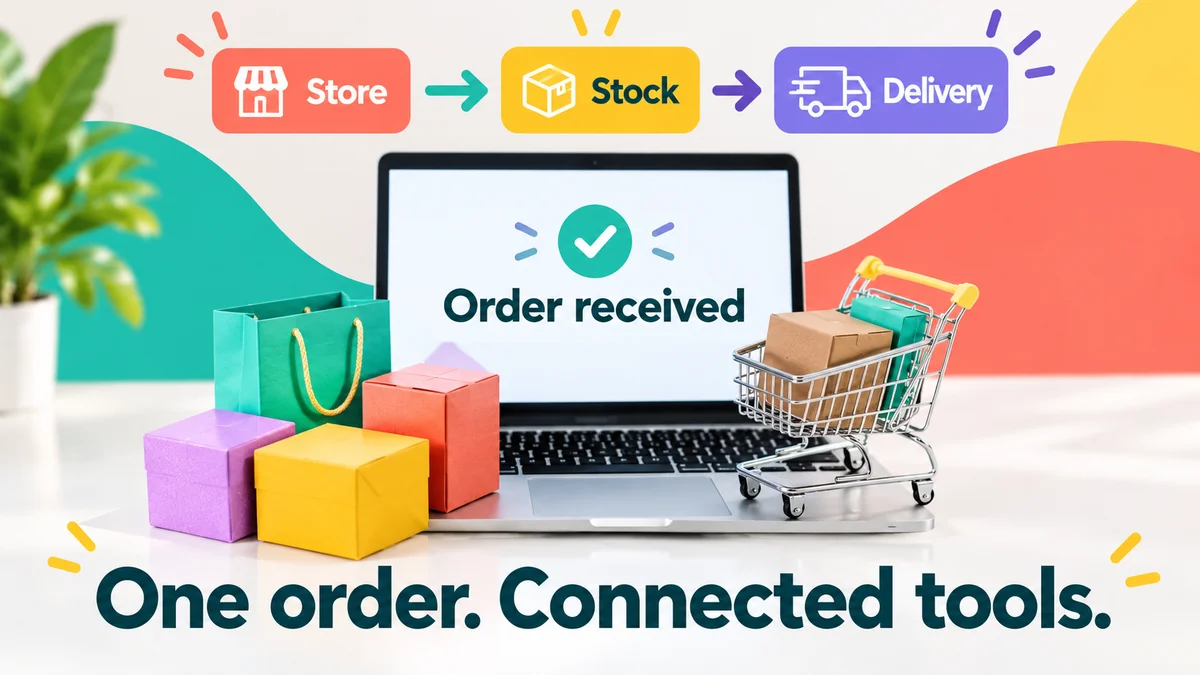
Imagine a shop that wants paid orders to reach its delivery team. Here is a possible flow. The exact steps depend on the store and delivery tools, but the basic idea stays the same.
- A customer completes an order and the store confirms the required payment status.
- The integration collects the order number, items and delivery details.
- It checks that important fields, such as the address, are present.
- It sends a request through the delivery service's API.
- The service returns a result, which the integration saves against the order.
If the address is missing, the order should wait for a person to review it. If the delivery service is unavailable, the system should record the problem and follow a safe retry plan. A useful integration handles both a successful order and a difficult one.
Where business owners can use API integrations
Website enquiries and customer records
A connection can move an enquiry from your website into a customer record system, often called a CRM. It can save the person's name, contact details and the service they asked about. Your sales team can then follow up from one place instead of searching several inboxes.
Online orders and stock
A store can share order details with the system that tracks stock. This can help the team keep records aligned, but you must decide which system controls the final stock count. If you are planning a shop, our Shopify and WooCommerce comparison explains other platform choices worth making early.
Invoices and payment updates
An approved order can create a draft invoice in an accounts tool. A confirmed payment can update its status. Keep clear rules for cancellations, partial payments and refunds. Sending an invoice and collecting money are different actions, so do not treat one as proof of the other.
Bookings and team calendars
A booking tool can share confirmed appointments with a team's calendar. The connection also needs rules for changes, cancellations and time zones. Otherwise, the first booking may work while later edits leave staff looking at the wrong time.
Reports in one place
A reporting tool can collect selected figures from several systems. Our business dashboard service helps bring useful information into a clear view. Agree what each figure means first, because two tools may count a sale or a customer in different ways.
What are the real benefits?
The main benefit is less repeat work. Staff can spend more time helping customers and less time moving information. A connection may also reduce missed updates, speed up handovers and make records easier to check.
Those gains depend on the process you connect. If your form collects the wrong details, the integration can spread those wrong details faster. Fix unclear steps before you automate them. Do not expect a connection to decide which customer record is correct without rules.
Measure one useful result before and after launch. You might track the time from enquiry to follow up, or the number of orders staff enter by hand. Use your own figures rather than assuming that another business's savings will match yours.
Does an API integration need AI?
No. Many integrations follow clear rules without artificial intelligence. When a form arrives, save the fields. When an order reaches a certain status, send it to the next tool. These jobs do not need a system that guesses what to do.
AI may help when a task involves reading free text or sorting messages, but it adds its own checks and costs. Keep important actions, such as changing a payment or deleting a record, under clear control. Our workflow automation service starts with the business process rather than adding AI to every step.
Three ways to connect your tools
Use a connection the software already offers
Start by checking the tools you already pay for. They may offer a connection in their settings or app directory. Read what it actually does. A connector that creates new customers may not update old records or handle your custom fields.
Use a visual automation tool
These tools let you choose an event and set actions that follow it. They can suit a clear, common task. Check usage limits, error alerts and data access before choosing one. A simple setup screen does not remove the need to test your process.
Build a custom integration
A custom connection can suit unusual rules or several systems that need to work together. It also needs a clear support plan. PictureArc's API integration service covers connections built around the way a business works, rather than forcing every task into the same template.
Decide which data moves and who controls it
Write a small list of fields before any build starts. For an enquiry, that might be a name, email address, message and enquiry number. Leave out information the next system does not need.
Match each field to its destination. One tool may use a single full name, while another expects first and last names. Dates, currencies and phone numbers also need clear formats. Agree what happens when a field is empty instead of letting the system invent a value.
Decide whether information moves in one direction or both. If two systems can change the same address, choose which one wins when they disagree. Use a stable record number to link entries where possible. Names alone can create confusion when different people share the same name.
Will the information update instantly?
Not every integration works at the same speed. Some check for new information at set times. Others receive a message when an event happens. That message is often called a webhook.
For example, Stripe's webhook guide explains how a system can receive payment related events. The receiving system must check the message and handle it correctly. A notification does not mean every later action has finished.
Choose timing based on the job. A daily summary may not need instant updates. A stock change during a busy sale may need much faster handling. Ask how delays appear to staff and how the connection catches up after an outage.
What can go wrong, and how should you plan for it?
A service can become unavailable, access can expire or a field can change. Your connection needs a clear record of failed tasks and a named person who receives alerts. Without that, the website may look fine while orders quietly stop moving.
Some providers limit how many requests you can send within a period. Stripe's rate limit guidance shows why a connection may need to slow down and try again later. The right limit depends on the provider, not a general promise of unlimited syncing.
Repeated requests need care too. If the system loses a reply, it may not know whether the first request worked. A retry should not create a second invoice or delivery. Stripe documents a method for safely repeating certain requests. Ask your developer how duplicate actions will be prevented in your own tools.
Also plan a manual route. Staff should know how to find tasks waiting for review and how to restart work without sending the same record twice. A clear recovery process matters as much as the normal flow.
Keep access and customer details under control
Many APIs use a key or another form of permission to allow access. Treat secret access details like passwords. Do not place them in public website code, shared screenshots or ordinary messages.
Give the connection only the access its job needs. A report that reads orders should not need permission to delete them. Google's API key guidance explains why restrictions, secure storage and removing unused keys matter.
Ask where information will travel and who can see it. Keep private details out of error messages where possible. Your team should also know who can remove access when a supplier changes or a project ends. Review these choices before connecting live customer records.
How much does an API integration cost?
There is no single price that fits every connection. A simple supported connector may need little setup. A custom process with several systems, old data and complex approval rules needs more work.
Separate the budget into setup and ongoing care. Setup includes planning, access checks, field matching and testing. Running costs may include software plans, API usage, hosting, monitoring and support. Ask whether a higher software plan is required to use the API at all.
Request a quote for a clear task rather than asking for everything to connect. Include what should happen when a step fails. A low quote that leaves out testing or ongoing support may cost more once staff depend on the connection.

A simple plan for your first integration
Choose one repeated task that has a clear start and finish. For example, move approved website enquiries into the sales system. Keep the first version small enough that staff can explain it in a few sentences.
- Write down the current steps and the problem you want to solve.
- Confirm that both tools support the required access and actions.
- Choose the fields to move and the rules for matching records.
- Use sample data in a safe test setup before using live records.
- Test missing fields, repeated messages, failed access and delays.
- Agree who receives alerts and who handles support after launch.
Begin with a small set of records and compare the results in both tools. Ask the staff who do the work to check them. Once the first flow works reliably, consider adding another. Keep a short written guide so the process does not depend on one person's memory.
When should you wait?
You may not need an integration yet if the task happens rarely or the process changes every week. A shared checklist or a supported file import might solve the immediate problem with less effort.
Start with the business need, not the technology. If repeat work causes regular delays, a connection may be worth exploring. If you need help choosing a useful first step, talk to PictureArc about the tools your team uses and the task you want to improve.
Frequently asked questions
What does API stand for?
API stands for application programming interface. The name sounds complex, but the idea is simple. It gives software a set of rules for asking another system for information or asking it to do a task.
What is the difference between an API and an integration?
An API provides the way to communicate with a system. An integration uses that access to carry out a useful job between tools. The integration also needs rules for matching data, checking results and dealing with errors.
Can a small business use API integrations?
Yes. A small business can connect a website form to its customer records or send orders to a delivery service. Start with one task that causes regular delays. You do not need to connect every tool at once.
Do I need to know how to code?
Not always. A built in connection or a visual automation tool may cover your needs. A developer may be needed when the process has unusual rules or the tools lack a suitable connector. Either way, someone must test and maintain the connection.
Are API integrations free?
Some tools include basic connections in their plans. Others charge for API access, usage or an automation service. Setup, testing and support can also cost money. Compare the full running cost before choosing a free connector.
Does data always update straight away?
No. Some connections respond soon after an event, while others check for changes on a schedule. Delays can also happen when a service is busy or unavailable. Agree how fresh the information needs to be and how the system will show a delay.
Can an integration work if a tool has no API?
Possibly. The tool may offer a supported connector or a file import and export option. Check those routes first. Avoid treating an unsupported screen scraping process as a reliable replacement, because page changes and access rules can break it.