
PUBLIC SECTOR / APPLICATION DESIGN & DEVELOPMENT
Records organised.
Information within reach.
A dedicated archiving application for District & Sessions Courts, Karachi Central. One connected workspace for case entry, scanned documents, record search, reporting and user administration.
PROJECTCourt Archive Management System
CLIENTDistrict & Sessions Courts, Karachi Central
OUR ROLEDesign & development
THE WORKSPACE
From a scanned file
to a structured archive.
Archiving is more than storing a PDF. A record needs the right court, case category and identifying details so it can be located again.
This project brings those steps into a consistent interface. The dashboard provides an overview, while dedicated modules organise entry, retrieval, reporting and account administration.
SEE THE FLOW
Six modules. One connected experience.
The walkthrough moves through the supplied application screens. Select a module to explore it at your own pace. No connection to the private court system is made.
01 / 06
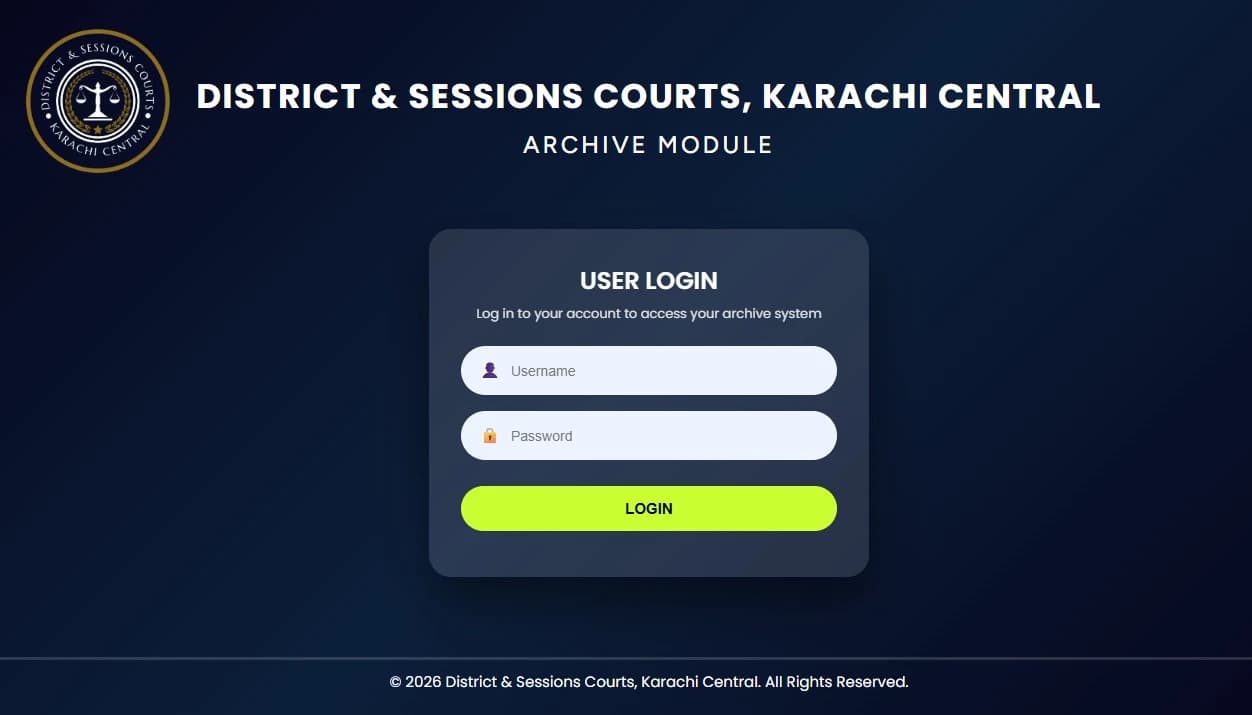
A dedicated entrance to the archive.
The application starts with a focused login screen. Staff enter their username and password before moving into the archive workspace.
01
Login
A dedicated entrance to the archive.
The application starts with a focused login screen. Staff enter their username and password before moving into the archive workspace.
A clear institutional identity and a compact form keep the first interaction straightforward.
View full screen ↗ (opens a new tab)02
Dashboard
The archive, at a glance.
A central dashboard brings case totals, PDF files and scanned pages into one view. Category summaries sit alongside a monthly trend and distribution chart.
Recent case entries and file uploads provide a second layer of detail below the overview. The figures shown are the captured state of the supplied project screen, not a live connection to court records.
View full screen ↗ (opens a new tab)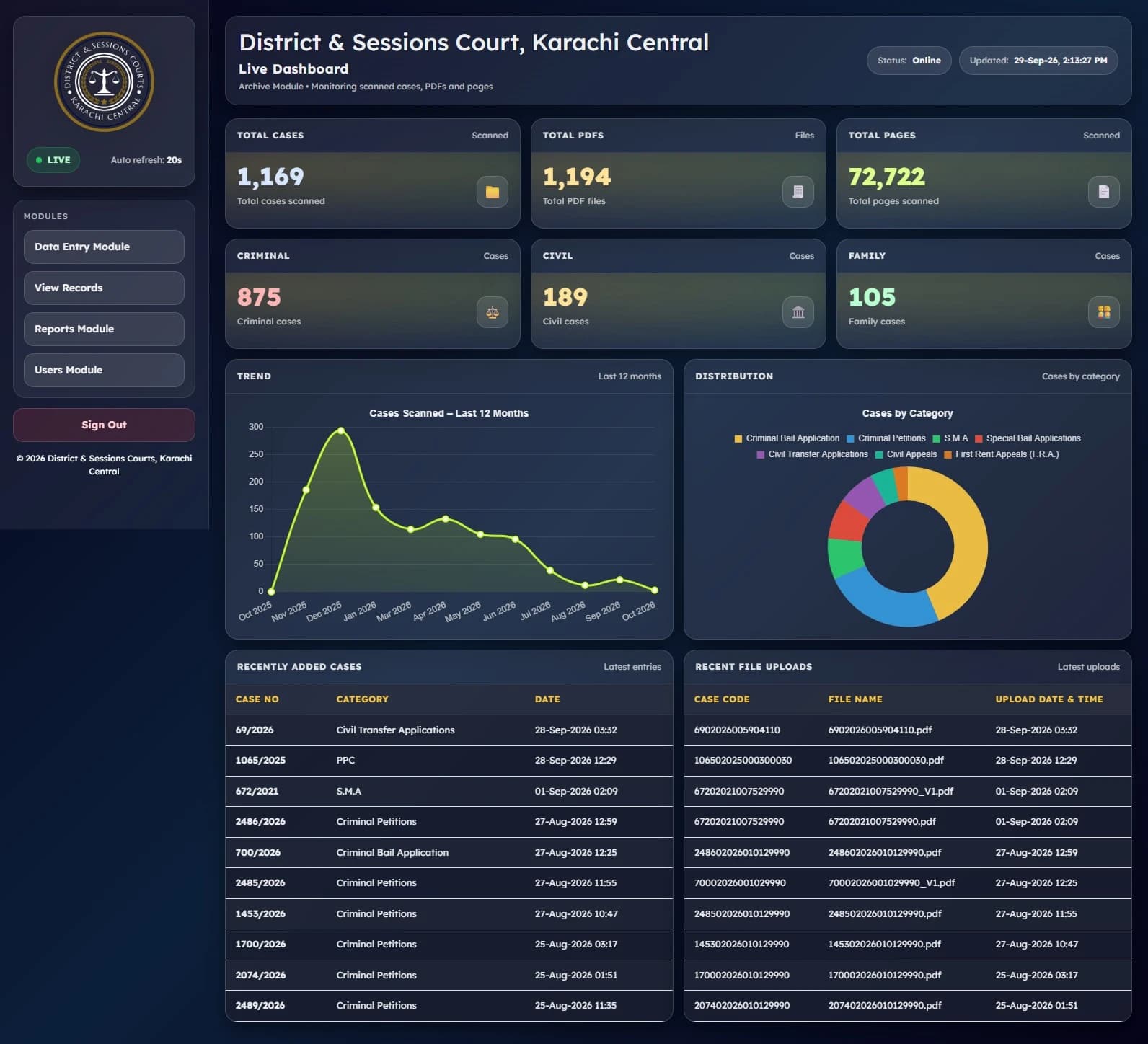
03
Data entry
Give every document its context.
The entry workflow groups court, category, case number and year with case part, restore status and remarks. Case lookup and the CFMS DC detail area appear in the same workspace.
A separate case code lookup supports another route to the record before continuing the document workflow.
View full screen ↗ (opens a new tab)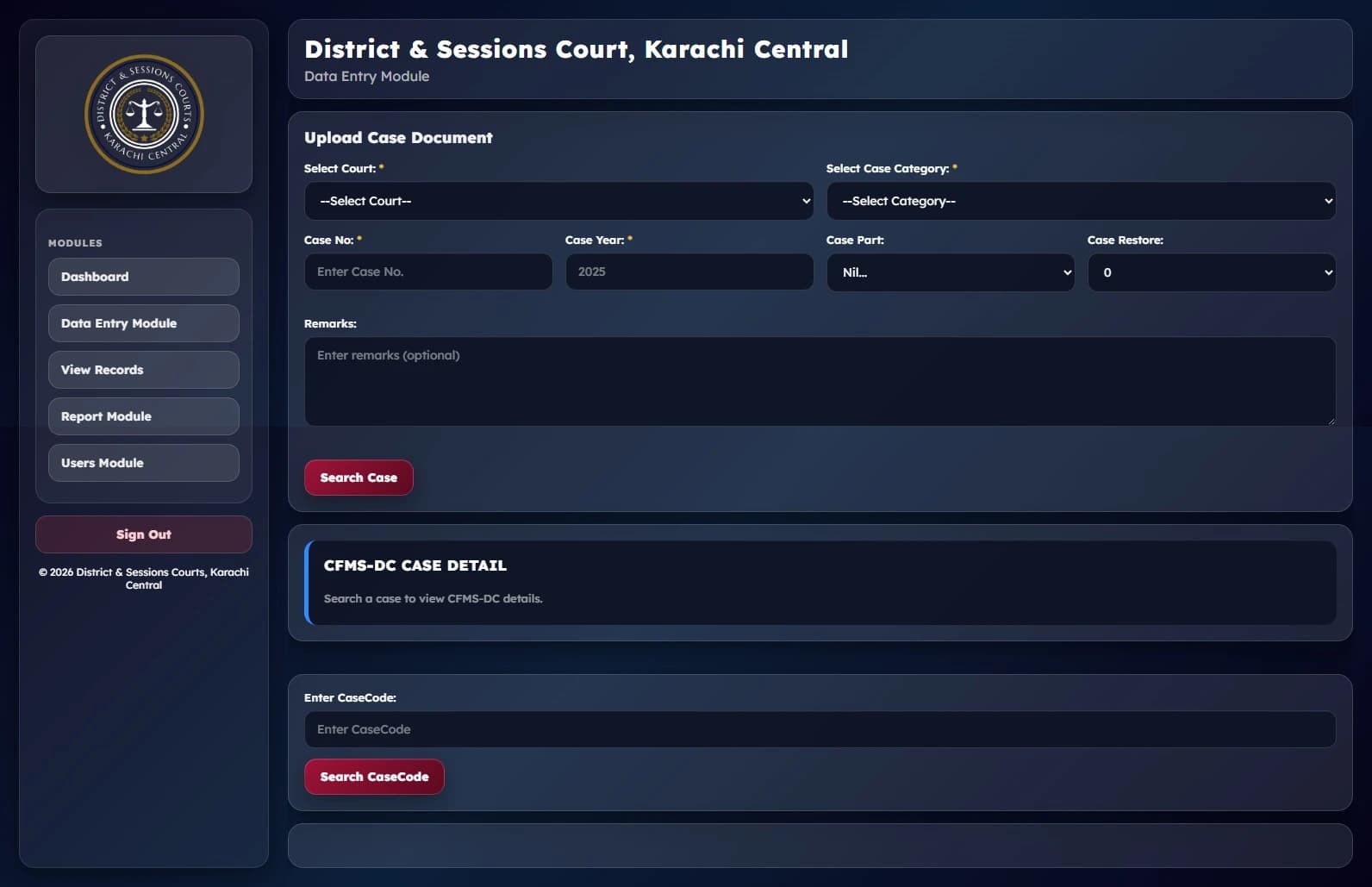
04
Search records
Find the record. Keep the context.
The records screen provides court and category filters together with case number, year, part and restore status. Staff can combine fields before searching or clear the filters to begin again.
The interface keeps record retrieval separate from data entry, with the same module navigation available throughout.
View full screen ↗ (opens a new tab)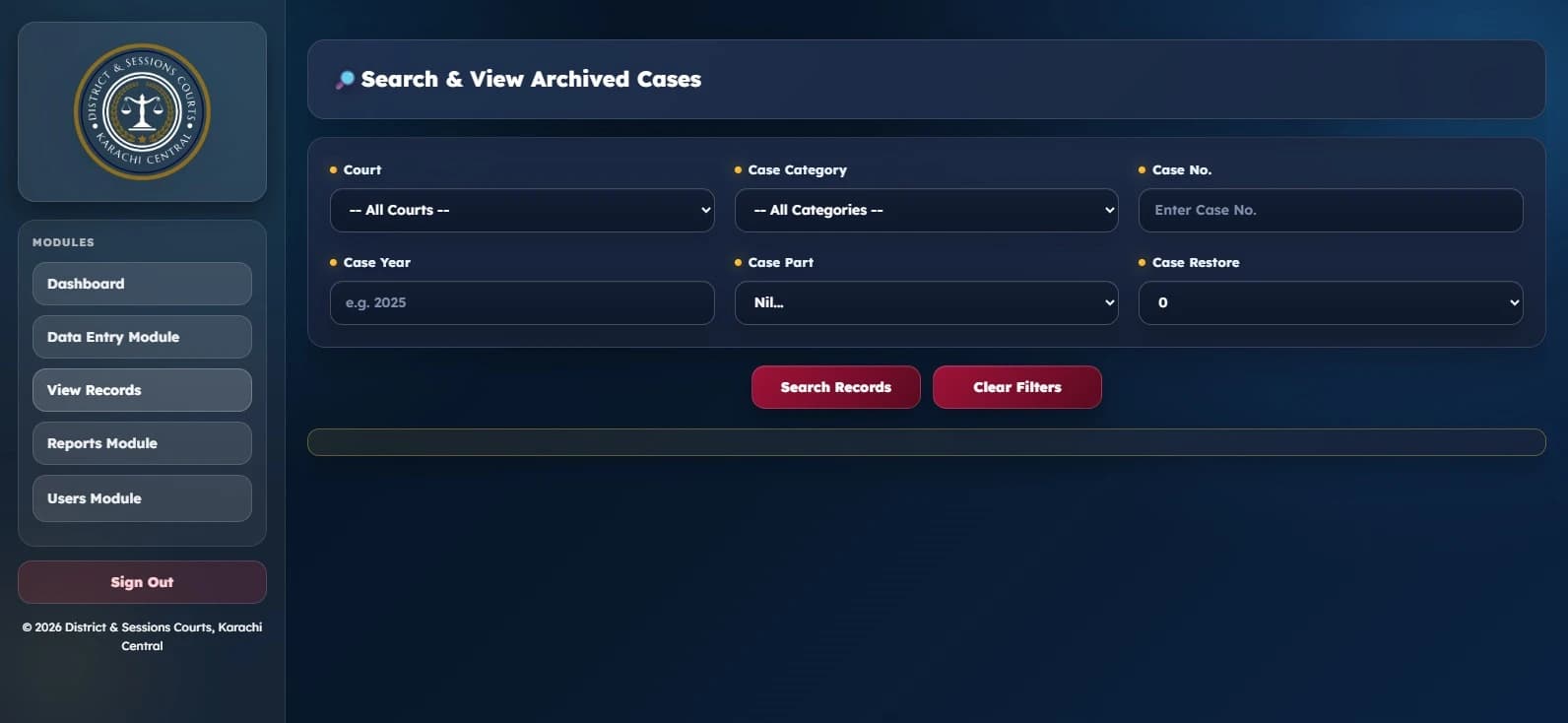
05
Reports
Turn archive activity into a report.
A date range provides the starting point for reporting. The interface offers a general report as well as court wise and category wise views.
Distinct report actions make the available reporting routes clear without leaving the archive workspace.
View full screen ↗ (opens a new tab)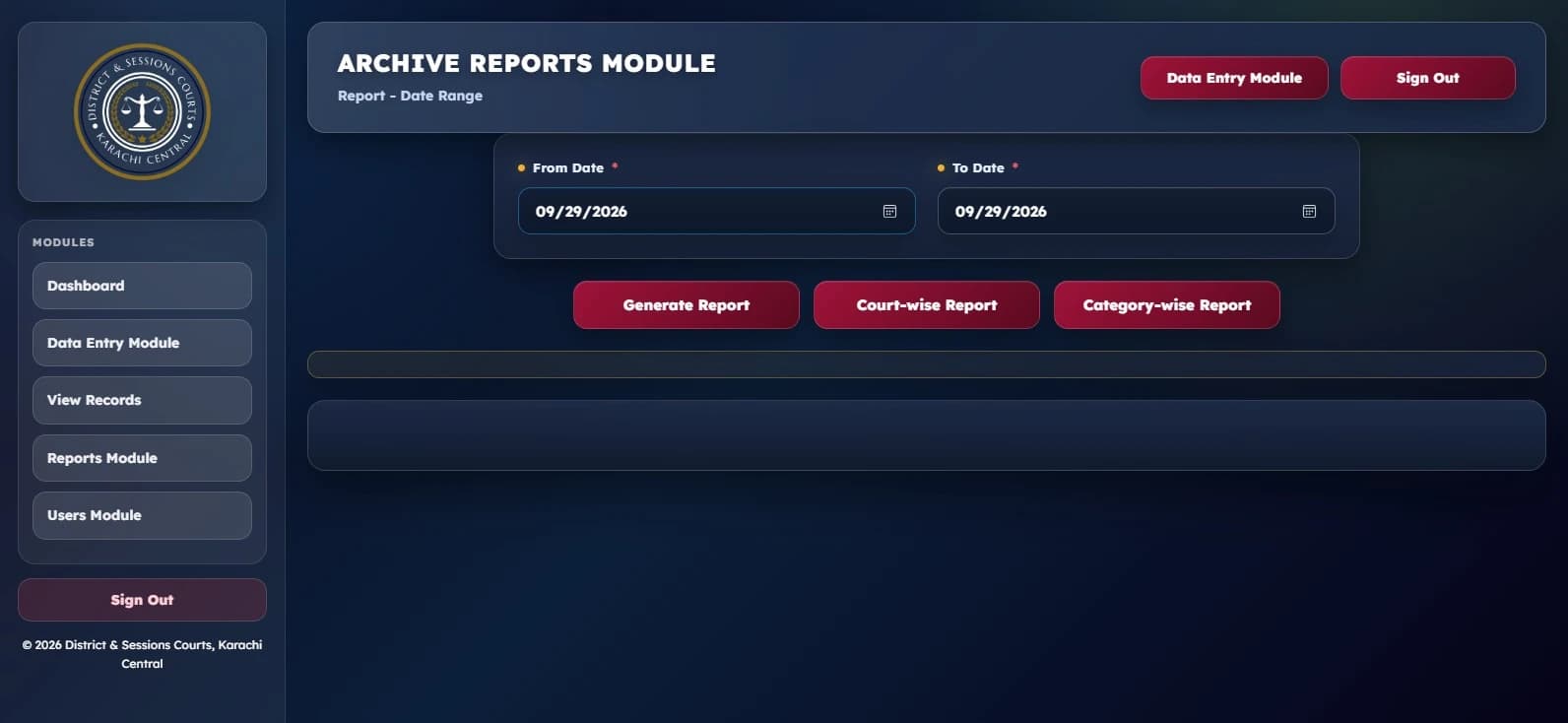
06
Users
Administration in one place.
The users module brings account creation and editing together. Its controls include court assignment, user role and password fields, with a separate action for viewing the user list.
The presentation below shows the administration interface only. It does not expose accounts or connect to the operational application.
View full screen ↗ (opens a new tab)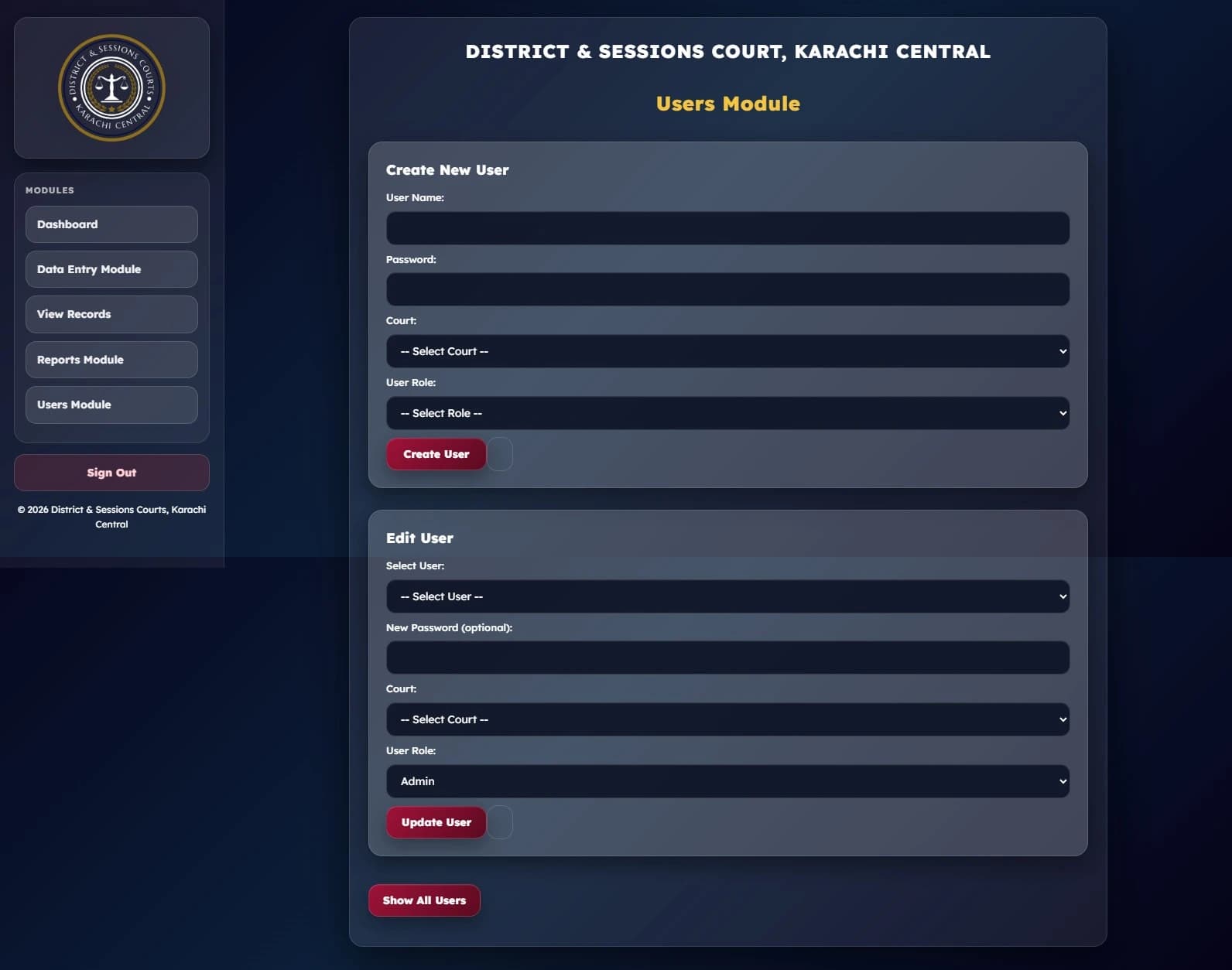
SOFTWARE AROUND YOUR WORK
Have a process that
needs a better workspace?
Let’s discuss the people, records and decisions your software needs to support.
Discuss your software project ↗Back to selected work